What Are Actions?
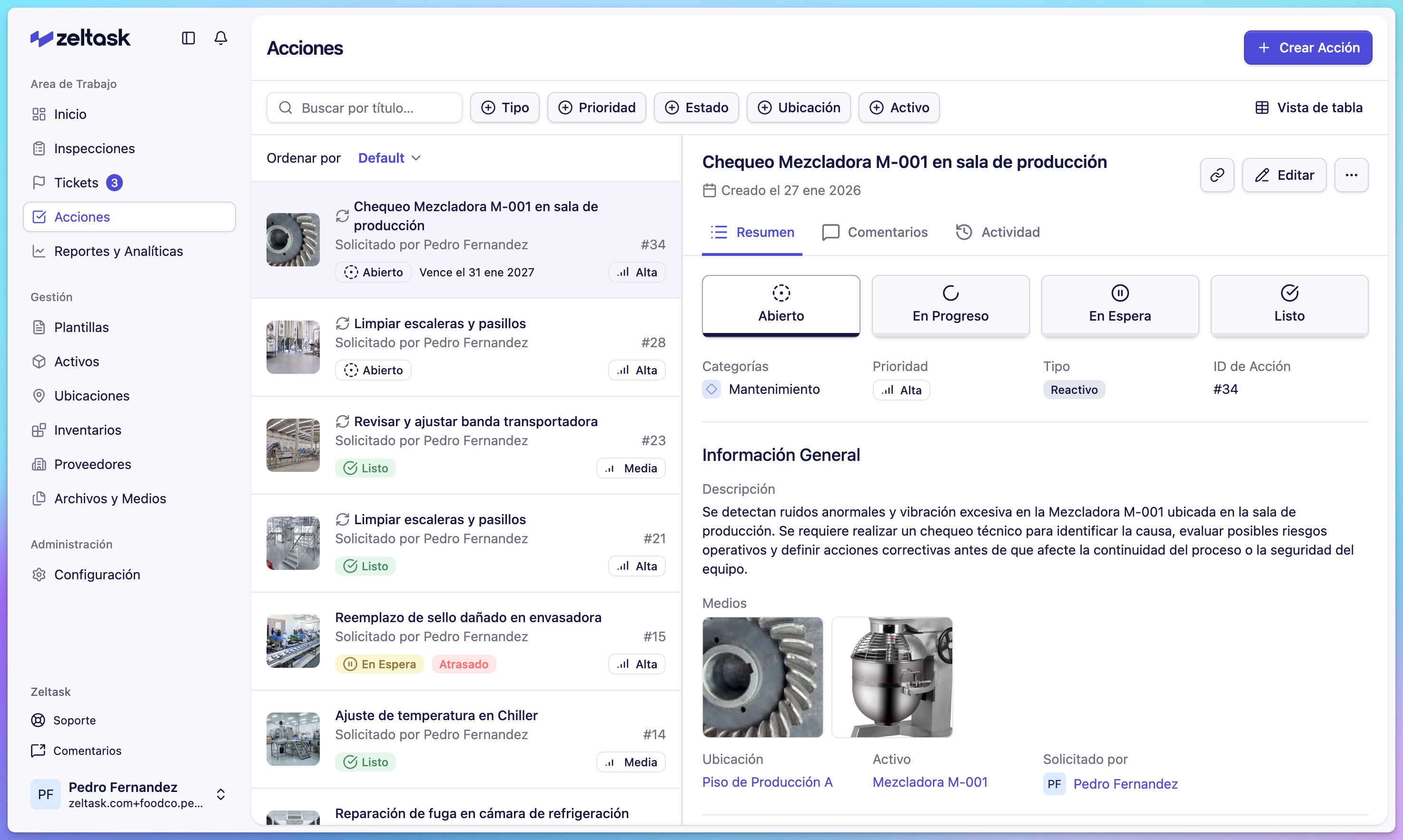
Actions in Zeltask represent tasks that need to be completed by your team. They centralize all operational work—from planned maintenance to urgent responses—in one place.
Actions and Work Orders
Zeltask uses the terms Action and Work Order interchangeably. Both refer to the same thing: a task with a clear owner, deadline, status, and history.
What Actions Help You Do
The Actions module helps teams:
- Create clear, executable tasks
- Assign responsibility and set priorities
- Record evidence of progress or completion
- Track the status of each activity
- Maintain complete traceability for audits and reports
How Actions Connect to Other Modules
Actions don't exist in isolation. They connect to other parts of Zeltask:
| Connection | How It Works |
|---|---|
| Inspections | An inspection finding can trigger an action |
| Tickets | Resolving a ticket often requires creating an action |
| Assets | Actions can be linked to specific equipment, building maintenance history |
| Locations | Actions specify where work should be performed |
| Inventory | Parts and materials used are logged against actions |
| Teams | Actions are assigned to individuals or teams |
Action Lifecycle
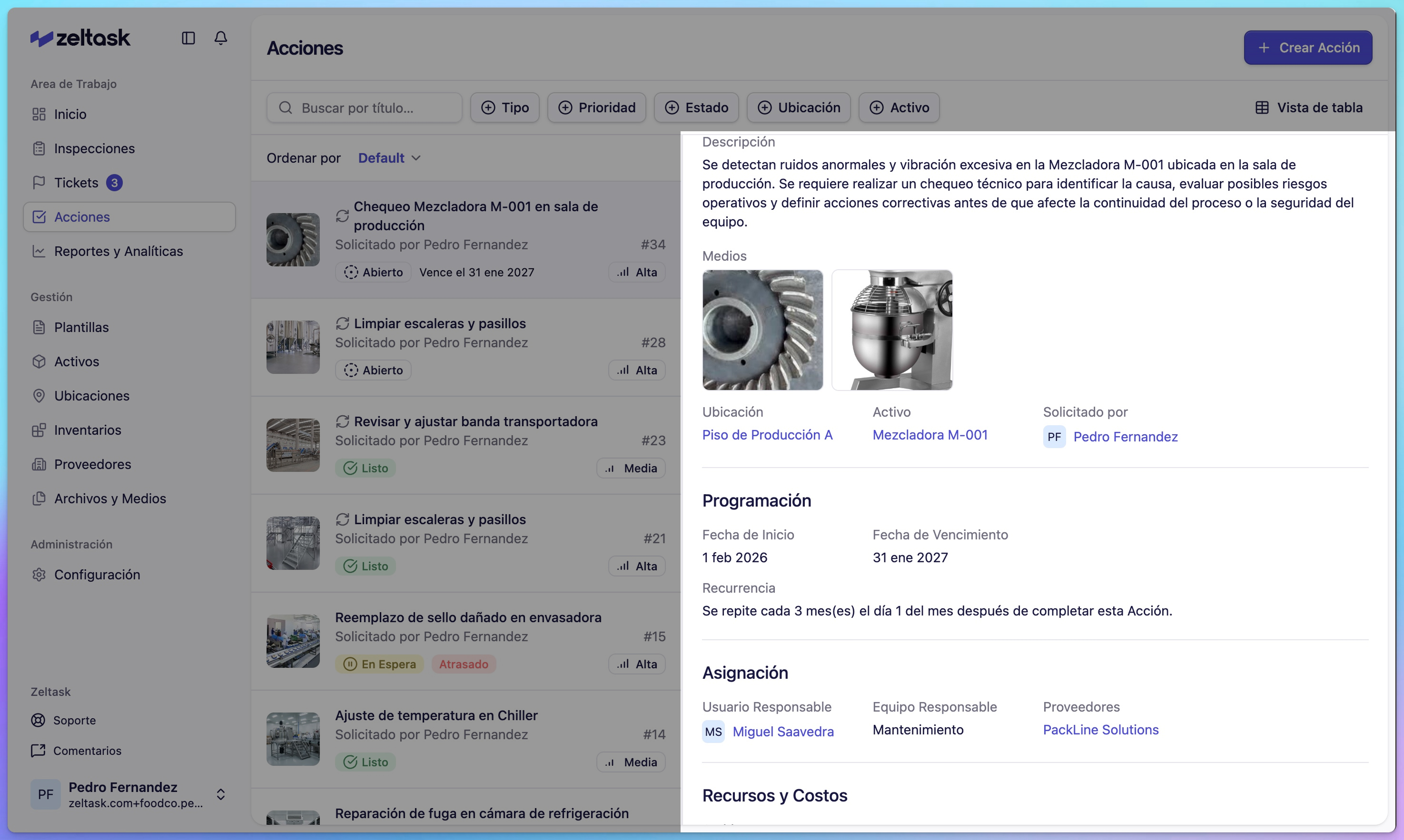
Every action moves through defined states:
| State | Meaning |
|---|---|
| Open | Created, waiting to be started |
| In Progress | Someone is actively working on it |
| On Hold | Temporarily paused |
| Done | Completed |
This lifecycle provides visibility into what's happening across your operation.
Who Uses Actions
- Technicians execute actions assigned to them and log progress
- Supervisors create, assign, and monitor actions for their teams
- Managers review action history, track completion rates, and analyze workload
Next Steps
- Action Types — Learn about preventive vs. reactive actions
- Create an Action — Step-by-step guide to creating actions